 Русский
  Deutsch
  Türkçe (Türkiye)
  Українська мова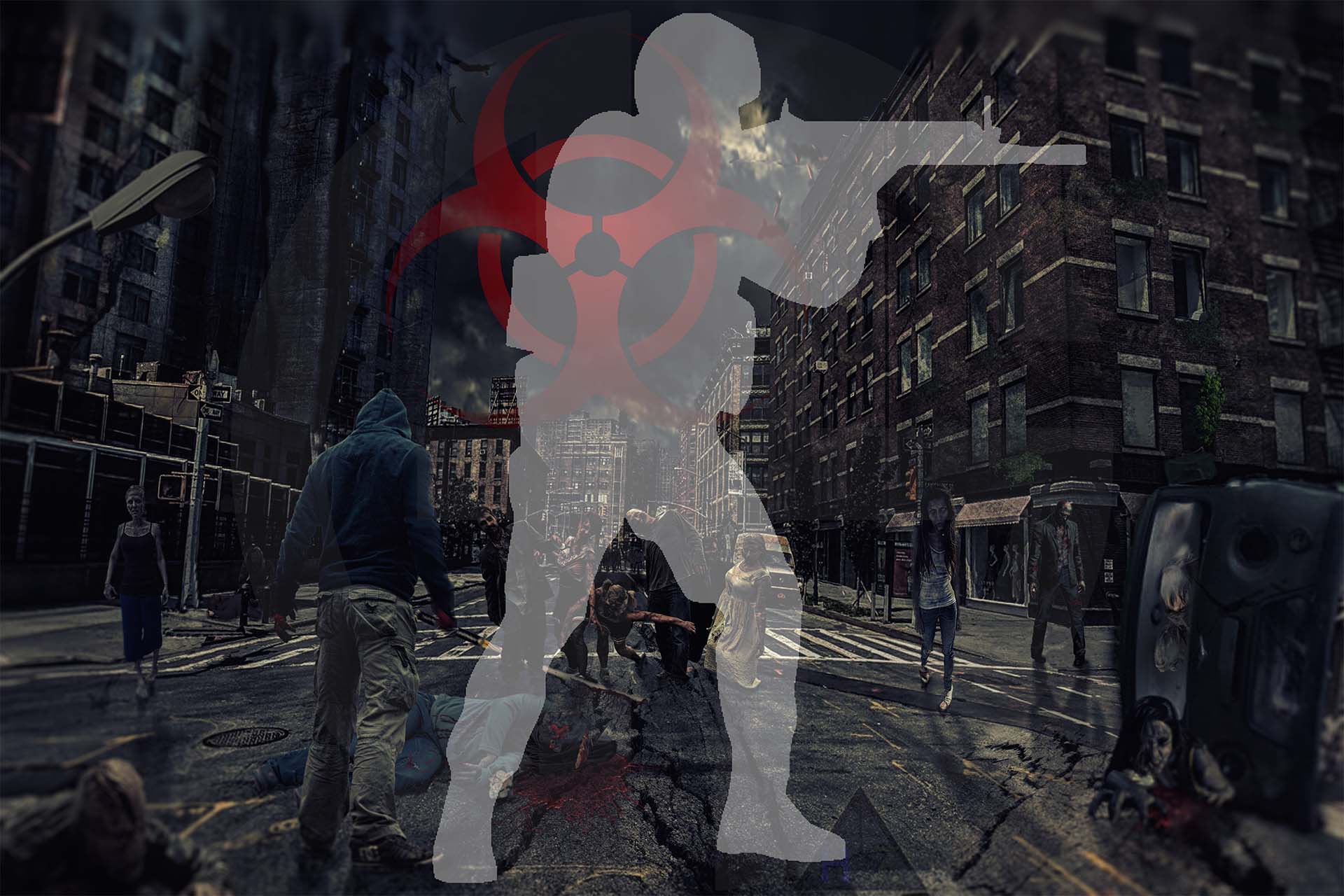
Hold your ground against the infected or fight your way to the exit with your team: Counter-Strike's zombie modes offer different ways to survive a round. Here's how Zombie Plague and Zombie Escape differ, and where to find servers for CS2, CS 1.6, CS:S and CS:GO.
Zombie Plague: hold out against the zombies
Zombie Plague (ZP) is one type of zombie mod, pitting humans against the infected. In a standard infection round, humans fight off the zombies and try to survive, while zombies infect humans and turn them into more zombies.
As a human, choose a position to defend, keep an eye on the entrances and cover your teammates. As a zombie, look for a way through the humans' defences and attack together. Servers may offer different classes, extra items and special rounds, such as a fight against the powerful Nemesis zombie.
Start here if you enjoy holding a position, fighting off attacks and trying different ways to stay alive.
Zombie Escape: escape as a team
In Zombie Escape (ZE), humans follow a route through the map, hold off zombies at key points and try to reach the exit. Zombies pursue the team and try to stop the escape. Maps may include multiple stages, objectives, obstacles and bosses.
On your first run, stay close to the team and watch where players stop to defend and when they start falling back. Knowing the route can matter just as much as your aim.
Choose Zombie Escape if you enjoy working your way through a map as a team, with new challenges along the route.
Where to find zombie servers
On GS4u, you can search for servers by game and current map. Zombie survival maps usually have names starting with zm_, while Zombie Escape maps typically use ze_. Choose a server list for your version of Counter-Strike.
Zombie Plague and other zombie mods — search by zm_:
Zombie Escape — search by ze_:
How to start playing
- Open the server list for your version of Counter-Strike. You need the game installed, with a version compatible with the server you choose.
- Find a server with players and free slots. Click its name to open the server page, where you can check its status, current map and location.
- To connect through Steam, click the Steam icon next to the server address. If your browser asks to open Steam, confirm the request.
- When you first join, wait for any required maps and resources to download, then read the server's rules. You do not need to install the Zombie Plague or Zombie Escape server mod on your own computer to join an existing server.
For your first session, pick one mode and play a few rounds. Try both sides in Zombie Plague, or follow experienced players through a map in Zombie Escape.